VPN vs. Antivirus vs. Firewall: What Each One Actually Protects You From
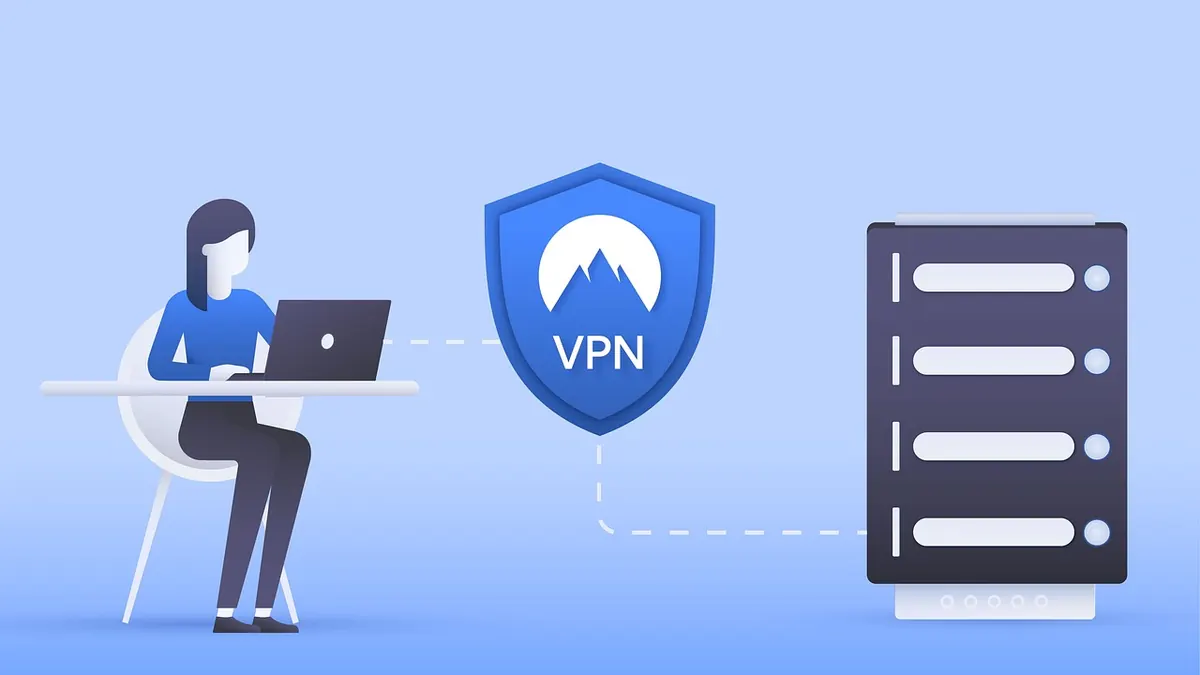
Someone buys a VPN, feels the security question is finally settled, and stops worrying. Two weeks later they open a fake shipping notice, and the attachment starts encrypting files. The VPN never had a chance. That is the whole misunderstanding in miniature: these three tools sit at different layers, answer different questions, and only look interchangeable on a marketing page.
Here is what each one genuinely protects you from — and, just as usefully, what it does not.
Antivirus: the scanner for hostile files
Antivirus software — endpoint protection, in business language — looks for code that aims to harm or hijack your device. Signatures, heuristics, and behavioural monitoring all feed one question: is this file, process, or download malicious?
Examples of what it catches:
- A trojanised installer or cracked game carrying a hidden payload
- Ransomware that begins encrypting documents in bulk
- Infostealers that scoop up saved browser passwords and session cookies
- A malicious macro in a spreadsheet attached to an invoice that looks ordinary
What it cannot do is hide your IP address, stop your internet provider from seeing which domains you visit, or prevent a stranger on the same café Wi-Fi from probing your laptop. It also will not save you from a convincing phishing page, because there is no file to scan — just a form on a site that looks right.
Keep real-time protection on and let it update. One reputable antivirus with sensible settings beats two products quarrelling over the same files.
Firewall: the bouncer at the network doors
A firewall decides which network connections are allowed in or out. On your router, that mostly means blocking unsolicited inbound traffic from the internet while letting your devices reach outward. On your laptop, it is the same idea at smaller scale: which local ports are open, which apps may listen for connections.
Consider a flaw in a service listening on a port. If nothing outside your network can reach that port, the flaw is far harder to exploit. That is the firewall's contribution — not detecting malicious code, but shrinking the surface an attacker can knock on.
Network firewall vs. host firewall
The router's firewall guards the boundary between your home network and the internet. The host firewall on each device guards that device, which matters when you join a shared network or when something on your own network is already compromised. Both can run at once; they do not conflict.
VPN: a private tunnel, not a shield
A VPN encrypts traffic between your device and a VPN server, then sends it onward from that server's IP address. It is genuinely useful for a few narrow jobs: keeping your browsing away from the hotel or airport network, stopping your ISP from logging which domains you request, and giving remote workers an encrypted path into company systems.
Not useful for detecting malware, cleaning an already-infected machine, or making you anonymous. If a keylogger or a banking trojan is running on your laptop, it can still ship your data out through the encrypted tunnel — the tunnel simply means the thief's traffic is also hidden from onlookers.
A VPN hides where your traffic appears to come from. It says nothing about what is inside that traffic, or whether the file you just opened is hostile.
Three jobs, three layers
- Antivirus — asks "is this malicious?" Protects the device and its files.
- Firewall — asks "should this connection be allowed?" Protects the boundary and the open doors.
- VPN — asks "who can watch my traffic in transit?" Protects the path between you and the destination.
Different questions, different failure modes. One does not answer for the others.
Mix-ups that cause real trouble
- "I have a VPN, so I don't need antivirus." The most expensive version of this mistake. Malware does not care that your tunnel is encrypted.
- "My antivirus includes a firewall, so it's all one thing." Security suites often bundle both, but they are separate engines with separate switches. Check that both are actually on.
- "The firewall stops phishing emails." It does not read your inbox. Filtering and your own judgement do that job.
- "A VPN makes me anonymous." It changes the IP address a site sees. Your logins, cookies, and browser fingerprint still identify you.
- "A free VPN is free protection." Servers and bandwidth cost money. If the vendor is unknown and the product is free, be careful about what happens to your traffic, and read the privacy policy before trusting it with anything sensitive.
Build the stack in this order
Start with what you already own. Turn on the router's firewall if it is off, leave the default rules alone unless you know why you are changing them, and confirm the firewall on each computer is enabled.
Then add one antivirus, keep it updated, and stop clicking past its warnings. After that, use a VPN for untrusted networks and for keeping your browsing away from your provider — never as a substitute for either of the other two tools.
Round it out with the basics no product sells you: install operating system and browser updates promptly, use a password manager with unique passwords, and switch on two-factor authentication wherever it is offered. If you run a business that handles regulated data, check your specific obligations with a qualified adviser rather than assuming a consumer suite covers them.
Security is layers, not a badge. A firewall, an antivirus, and a VPN each close a different door — and a house with one locked door is still a house with three open ones.
Photo: StefanCoders / Pixabay